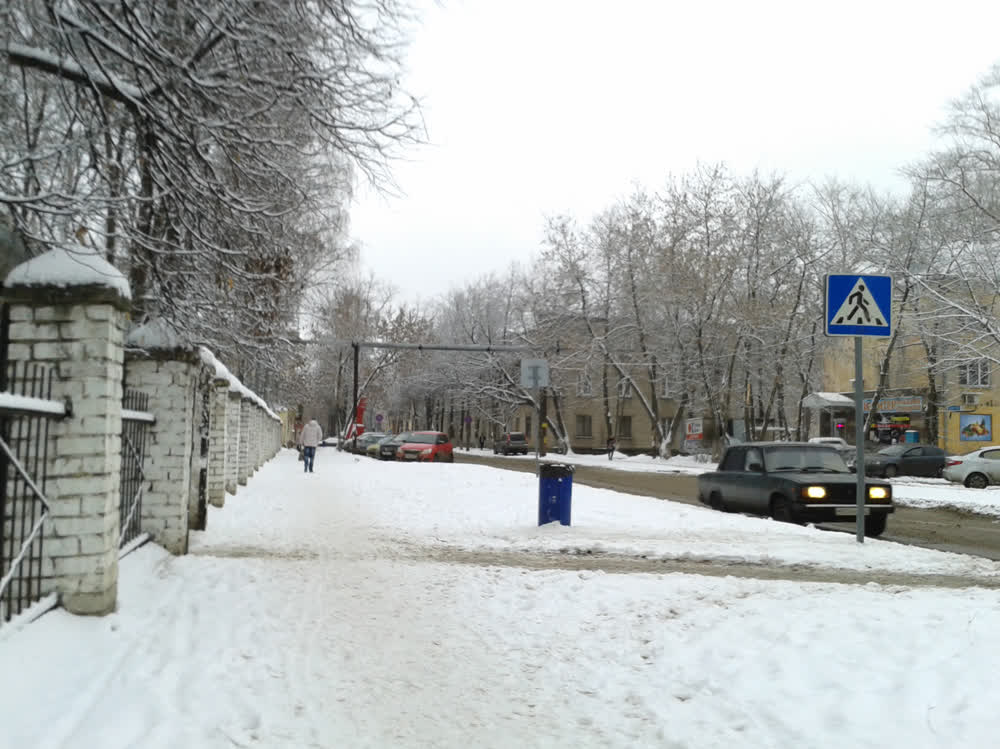
If a movie is shot with an aspect ratio of 4:3 or 5:4,
then in most frames the bottom and top of the image
will not carry any useful information:
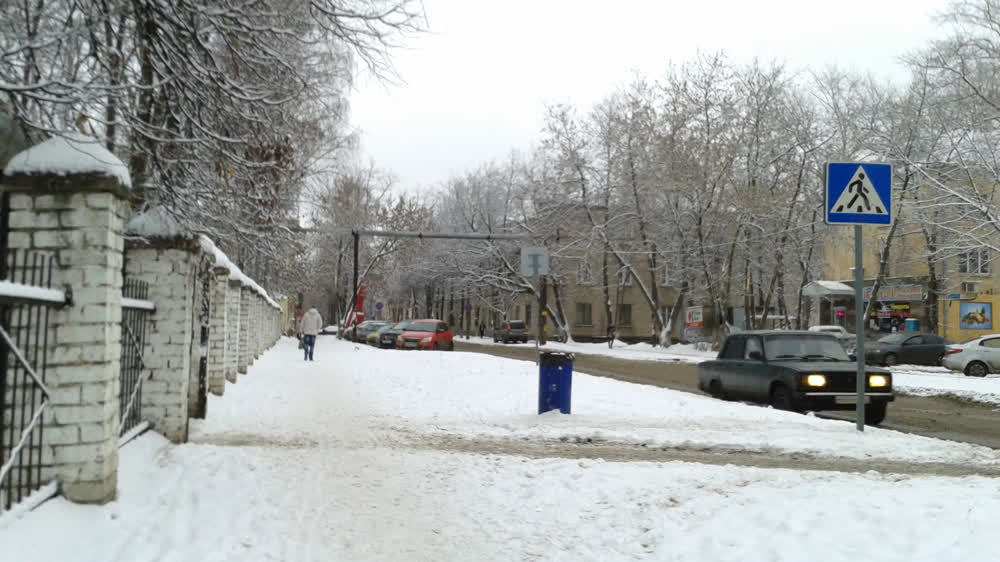
That is why in movies, ratios that are flattened in height are used,
for example 16:9:
For movies, this is reasonable. For computer monitors, this is not
reasonable.
To prove this, let's conduct an experiment with some kind of flattened
monitor, for example 16:9. (In advertising, such monitors are called wide,
not flattened, otherwise they would be difficult to sell.)
Get as close to the monitor as possible.
Start moving away from the monitor. Stop when you can easily (without
lowering and raising your head too much) see the bottom and top edges of
the monitor. Note that it is still difficult to see the left and right
edges of the monitor. Therefore, the flattened monitor is wider than we
can easily see.
Continue moving away from the monitor. Stop when you can easily see the
left and right edges of the monitor. Note that if the bottom and top
edges of the monitor were now lower and higher than they are, they would
be as easily seen as the left and right edges. Therefore, the flattened
monitor is lower than we can easily see.
Both experiments show that a flattened monitor does not correspond to
the capabilities of our vision - it always shows either more or less
than we can see. For computer monitors, a more adequate aspect ratio
is 4:3 or 5:4. Such monitors, if they are sold now, are significantly
more expensive than flattened ones.
Then you can buy a flattened monitor, but not use the sides of the screen.
My video card allows me to do this: on my monitor with a resolution of
1920*1080 pixels (ratio 16:9), I set the resolution to 1280*1080 pixels.
At this resolution, the left and right borders of the used part of the
screen do not coincide with the physical border of the screen and are
therefore not visible - this is inconvenient:
To make the borders visible, an image with a highlighted border is used as
the desktop wallpaper:
* * *
All LCD monitors I have seen are too bright even at minimum brightness.
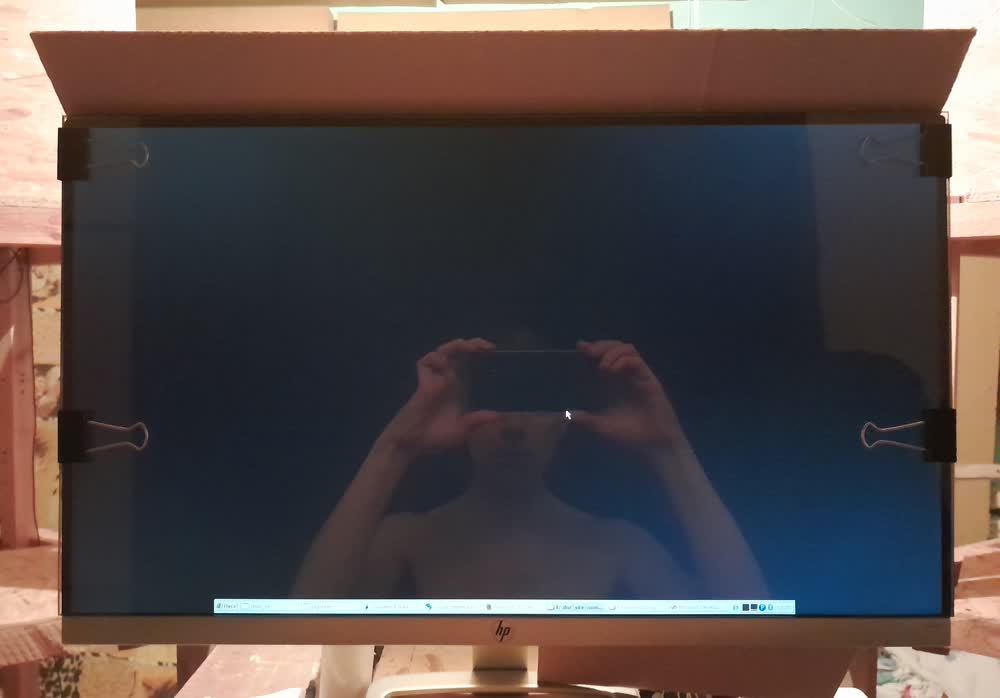
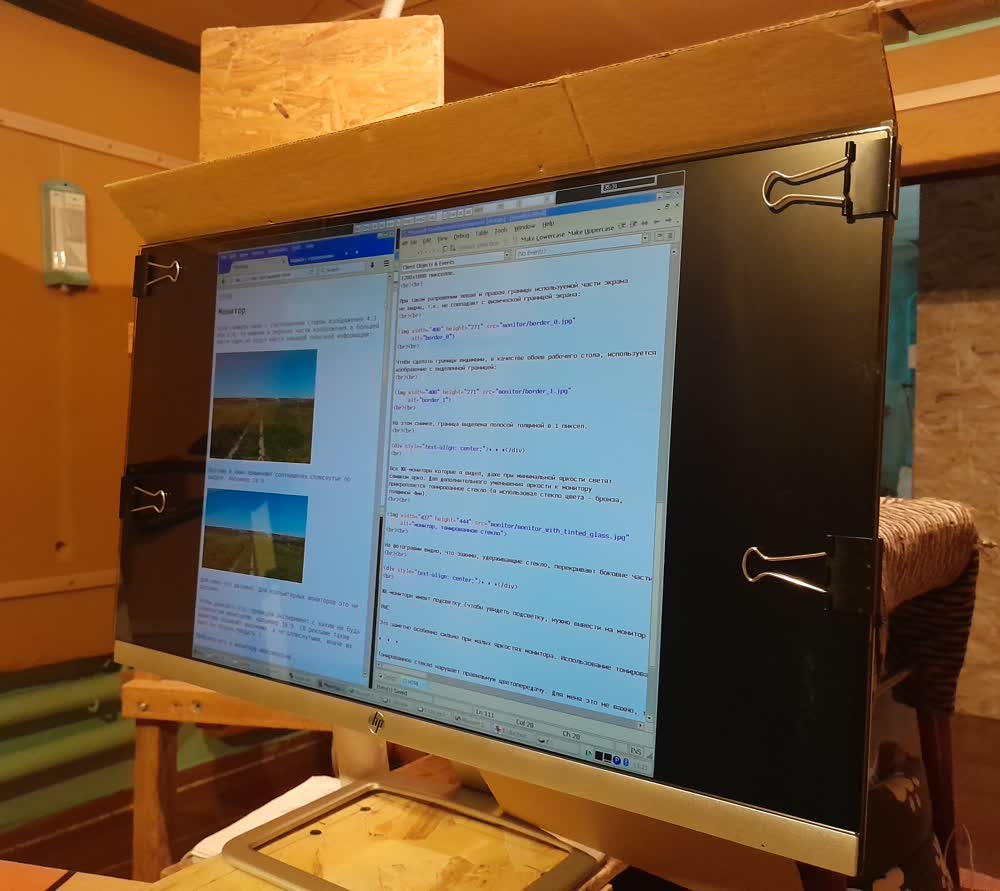
To further reduce the brightness, tinted glass is attached to the monitor
(I used bronze glass, 4mm thick).
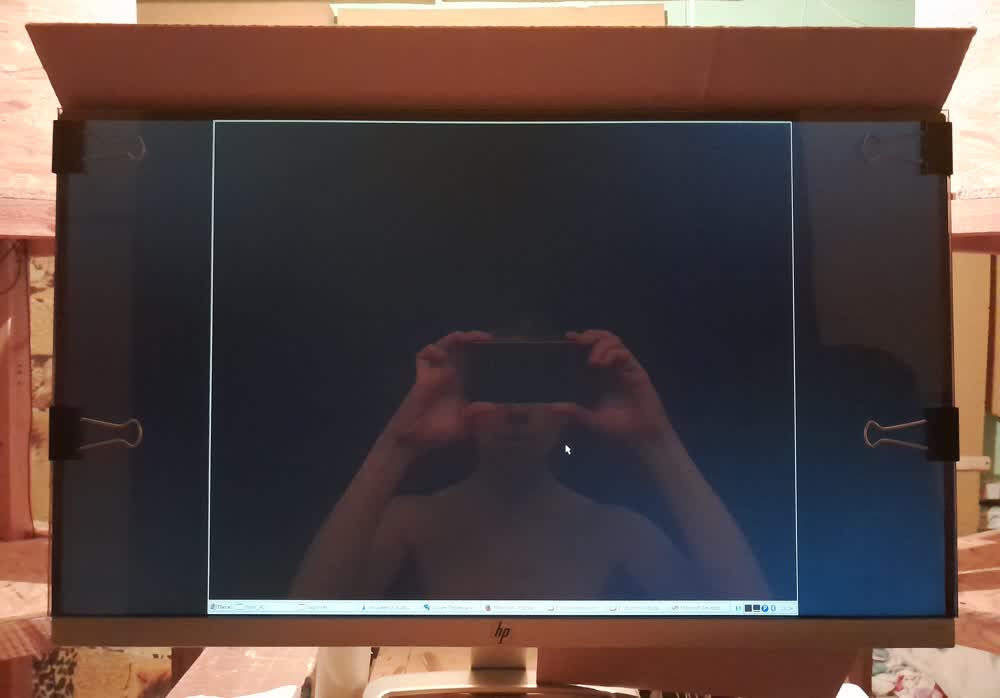
In the photo you can see that the clips holding the glass overlap the
sides of the screen. This is not a problem because those parts of the
screen are not used anyway.
* * *
LCD monitors have a backlight (to see the backlight, you need to display
a completely black image on the monitor and turn off the lights in the
room). The brightness of the backlight is constant - it does not depend
on the brightness of the monitor and the displayed image. The luminous
flux created by the backlight is mixed with the luminous flux of the
displayed image. Because of this, the contrast of the image decreases
(in particular, black becomes gray):
This is especially noticeable at low monitor brightness. The use of
tinted glass reduces the backlight's luminous flux and thus increases
the image contrast.
* * *
Tinted glass disrupts correct color rendering. It doesn't matter to me
because I use my computer for music and programming.
* * *
Tinted glass strongly reflects surrounding objects and the user himself.